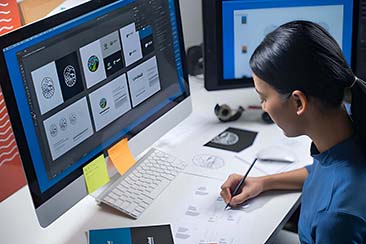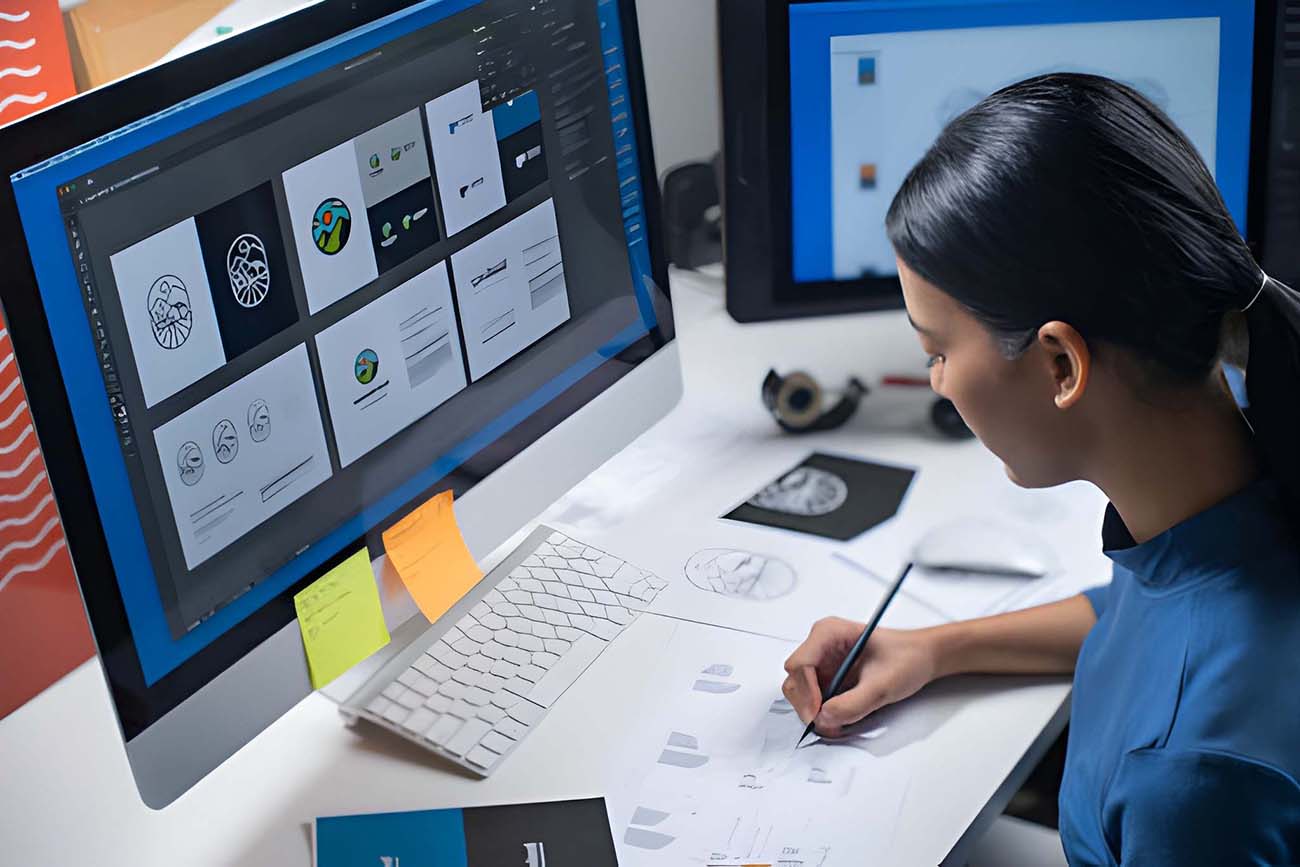
Design work used to be slowed down by the number of tools involved. One platform handled logos, another handled photos, and nothing stayed consistent from one asset to the next. Small teams often ended up with branding that looked slightly different each time they created something.
AI agents are changing that pattern. Instead of working through separate apps, creators can guide a single system that keeps track of colors, fonts, and layouts while helping produce the assets they need. This shift makes it simpler to keep your branding consistent without jumping between different tools.
How X-Design AI Helps Build Your First Logo?
Many people start by using a free AI logo maker to create a simple first version of their brand. This often becomes the starting point for the rest of their design work inside X-Design.
Templates have limits, but the system adjusts based on your feedback and style preferences. It iterates on feedback—loosening stiff fonts or adjusting weight—while keeping your color palette locked tight.
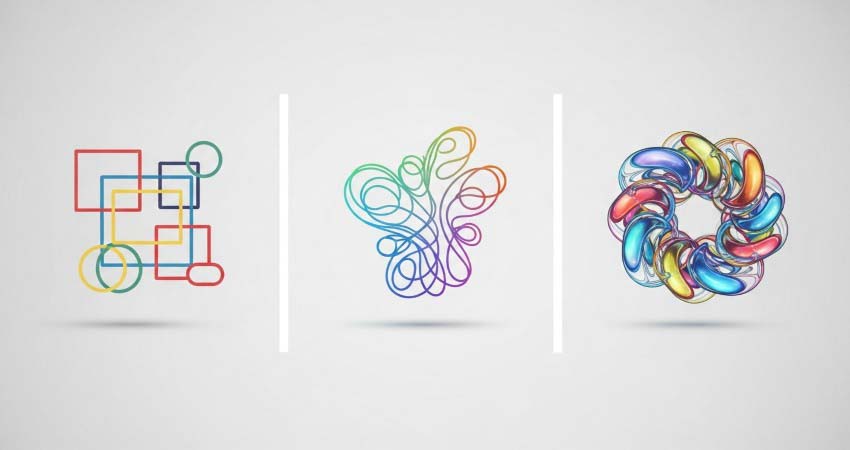
This back-and-forth approach makes it easier to start without feeling stuck at an empty canvas. It turns the process into a back-and-forth flow instead of forcing you to build everything from scratch. The output is not just a JPEG; it is a foundational asset that the system “learns” from, setting the stage for every other piece of content the business will eventually need.
Adjusting Images for Different Formats
Once a brand identity is established, the operational reality sets in. A common frustration arises when a perfect product shot or a hero image is too tight for a specific layout. There is no room for text, or the subject gets cut off when the image is cropped to a 9:16 ratio.
The platform includes a feature that lets you expand images with AI when you need extra space for text or a different layout. Instead of stretching a background or blurring the edges—techniques that immediately signal amateur design—the system analyzes the pixel data at the borders of the image.
It then generates new content that seamlessly extends the environment. A tight shot of a sneaker on a concrete floor becomes a wide banner with ample negative space for promotional copy. The system continues the background and lighting so the expanded area matches the rest of the photo.

This makes it easier to reuse the same photo for different formats. A single photoshoot can now service every marketing channel. The user does not need to shoot wide for the website and close for social media. They can shoot once and let the software adapt the framing. It’s a practical feature that saves time instead of adding unnecessary effects.
Improving Product Photos for Marketing With X-Design
Strong product photos are important because they help customers understand what they’re buying. X-Design integrates a solution directly into the branding workflow.
The AI Product Photography feature allows users to upload raw, imperfect images. The system isolates the subject, removing the original background with high precision. But the real value lies in the context generation. The agent doesn’t just place the product on a white void; it places it in a scene. A user can request a “marble countertop with morning sunlight” or a “dark wooden podium with dramatic shadows.” The agent generates this environment around the product, adjusting the lighting and reflections on the object to ensure it sits naturally in the new space.
Matching the background to the type of product helps the final image look more natural and purposeful. You have to match the setting to the story. They can ensure that their product photography aligns perfectly with the aesthetic rules established in their logo and color palette. It helps small teams produce cleaner, more professional-looking product photos without needing a studio setup.
Keeping Brand Elements Consistent
Most design tools don’t remember your previous choices, so you often need to re-enter your colors and fonts. You build a logo, return a month later, and the system acts like a stranger—forcing you to hunt down your fonts all over again. You have to hunt for the correct hex codes again. This often leads to small inconsistencies in brand materials.
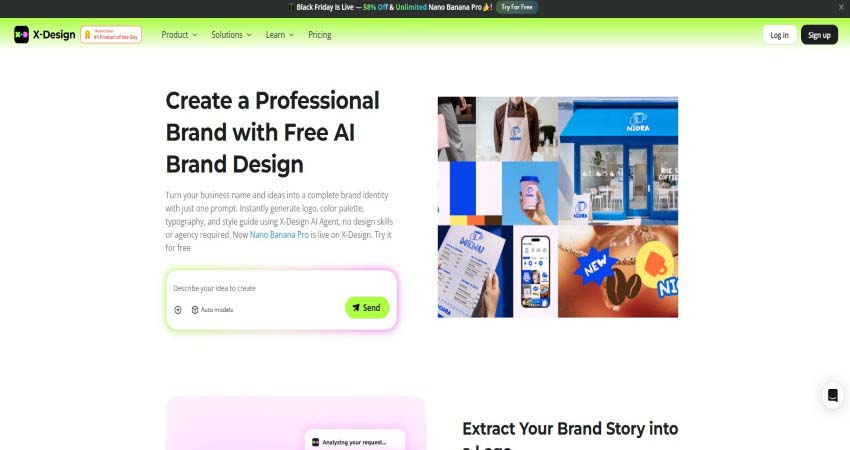
X-Design operates on the concept of a “Brand Kit” that is generated automatically and locked into the agent’s memory. Once the logo and visual style are approved, these settings become the standard for future designs. When a user asks the agent to “make a sale post for Instagram,” the agent already knows which fonts to use. It knows the primary brand color and the secondary accent color. It knows which version of the logo works best on a dark background.
This automation of adherence allows the user to focus on the message rather than the mechanics. The system acts as a brand guardian. It prevents the accidental drift that happens when you just want to get a post out quickly. It ensures that a flyer created in December looks like it came from the same company as the business card created in January. Over time, this steady look helps people recognize your brand more easily. And automating it is perhaps the most significant value add for a non-designer.
X-Design Mockups to Test Your Design on Real Products
Brands eventually need physical items like signs or merchandise, and sometimes a logo looks different when printed or embroidered. Visualizing these physical applications is often a guessing game for new founders. Many teams order materials without knowing how the final design will look in real life.
The mockup engine provides a crucial reality check, projecting designs onto 3D objects to catch flaws—like bad wrapping or weak contrast—before you commit. It also creates the file formats needed for printing so you don’t have to adjust them yourself. Moreover, effectively bridging the gap between your screen and the factory floor without the usual technical anxiety.
Control The Entire Workflow With X-Design’s Easy Interface
Designers still need the option to adjust details so the final result matches their preference. X-Design addresses this by maintaining a layered editing environment. The agent handles the heavy lifting—the construction, the layout, the tedious resizing—but the user retains final editorial control.

Every asset generated by the system is fully editable. If the draft is 90% there, you drive the last 10%. Tweak the kerning, nudge an icon, or swap a background. It keeps the fast automation but still lets you shape the final result. The editor walks the line between powerful and simple—type your changes, or just grab the canvas and move things yourself.
This setup works for people who prefer typing instructions as well as those who like to adjust things directly on the canvas. Some people like giving written instructions, while others prefer moving things directly on the canvas.
Final Thoughts: Why This Matters for Small Teams and New Brands
AI agents are becoming useful in daily design work because they take care of the small tasks that normally slow people down. They help keep brand elements consistent, adapt images for different formats, and handle routine adjustments that used to take much longer. With one system managing the structure, teams can focus more on the ideas and less on fixing layout issues or recreating assets from scratch. As these tools continue to improve, the design process becomes smoother and more manageable for anyone building a brand.